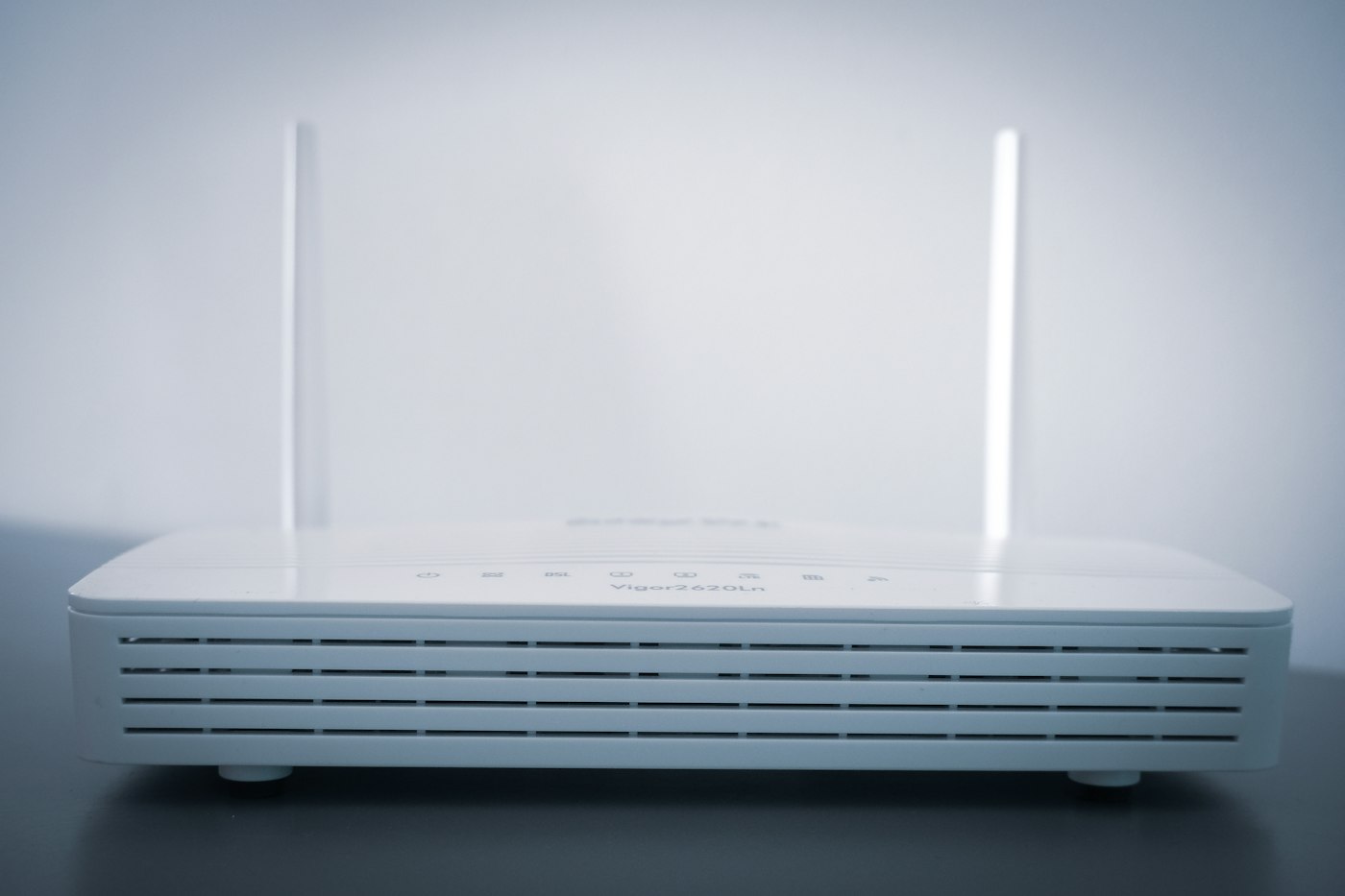
Restarting a router without factory-resetting it
A restart renews the running system. A factory reset can erase the setup it depends on.
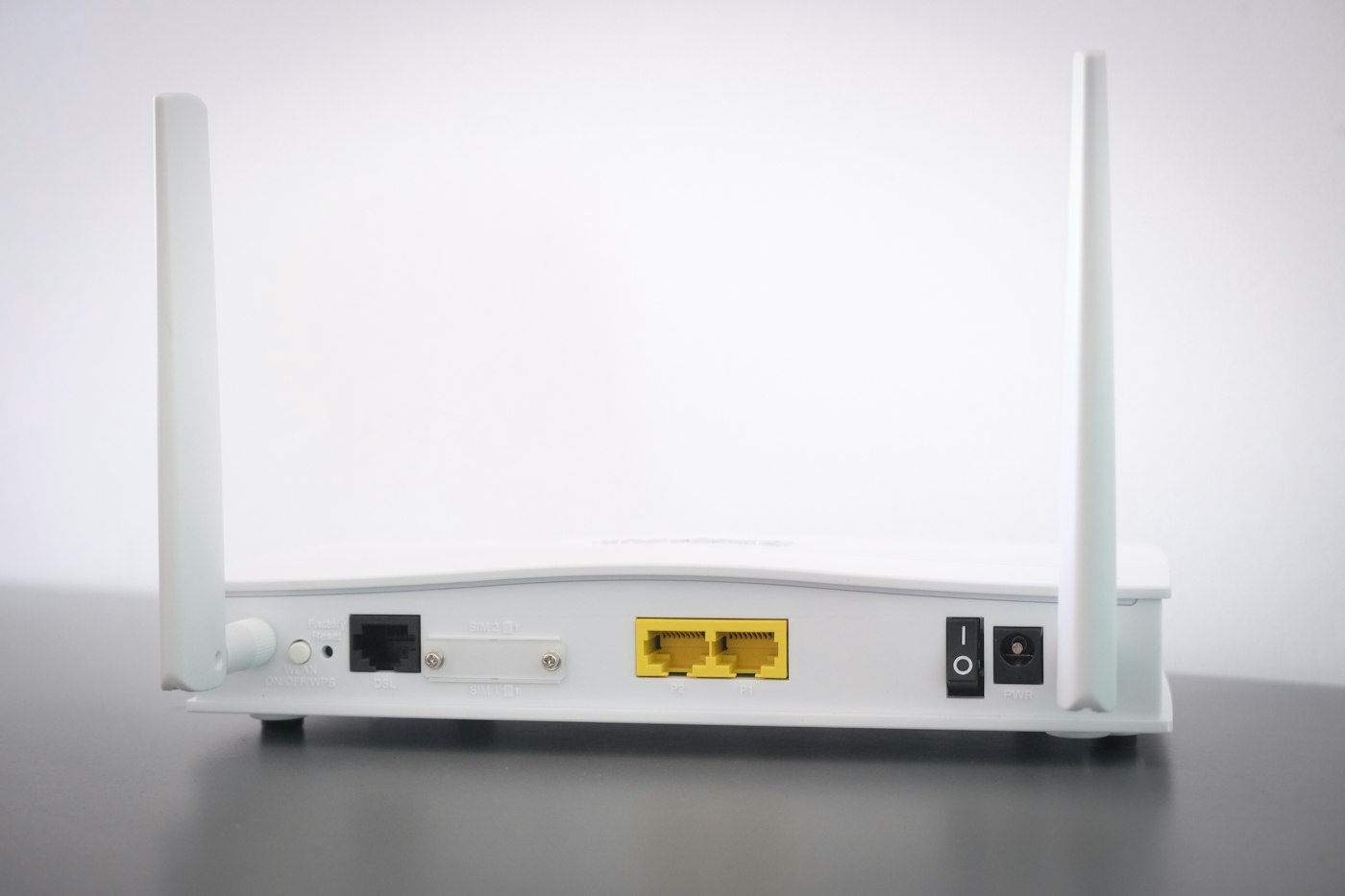
Restart and reset are often used interchangeably in conversation, but the difference matters for a router. An ordinary restart starts the equipment again without deliberately deleting its network names and credentials. A factory reset returns the configuration to its original state and may require the connection to be set up again.
Do not press a recessed reset button merely because the internet feels slow. Holding a button can also trigger a different action from pressing it briefly. The exact model's instructions explain which operation restarts it. If the management interface is reachable, it may offer an explicitly labelled restart command.
Capture the situation first
Note which devices are affected and what fails. Save relevant event-log messages if available. A restart can help, but it can also change or remove clues. Investigating a daily interruption is harder if every occurrence is immediately erased by switching the router off.
Tell other household members before starting. Calls, games, transfers and telephone service delivered through the connection may stop temporarily. Do not begin during a firmware update. Follow the manufacturer's specific update instructions, particularly those concerning power.
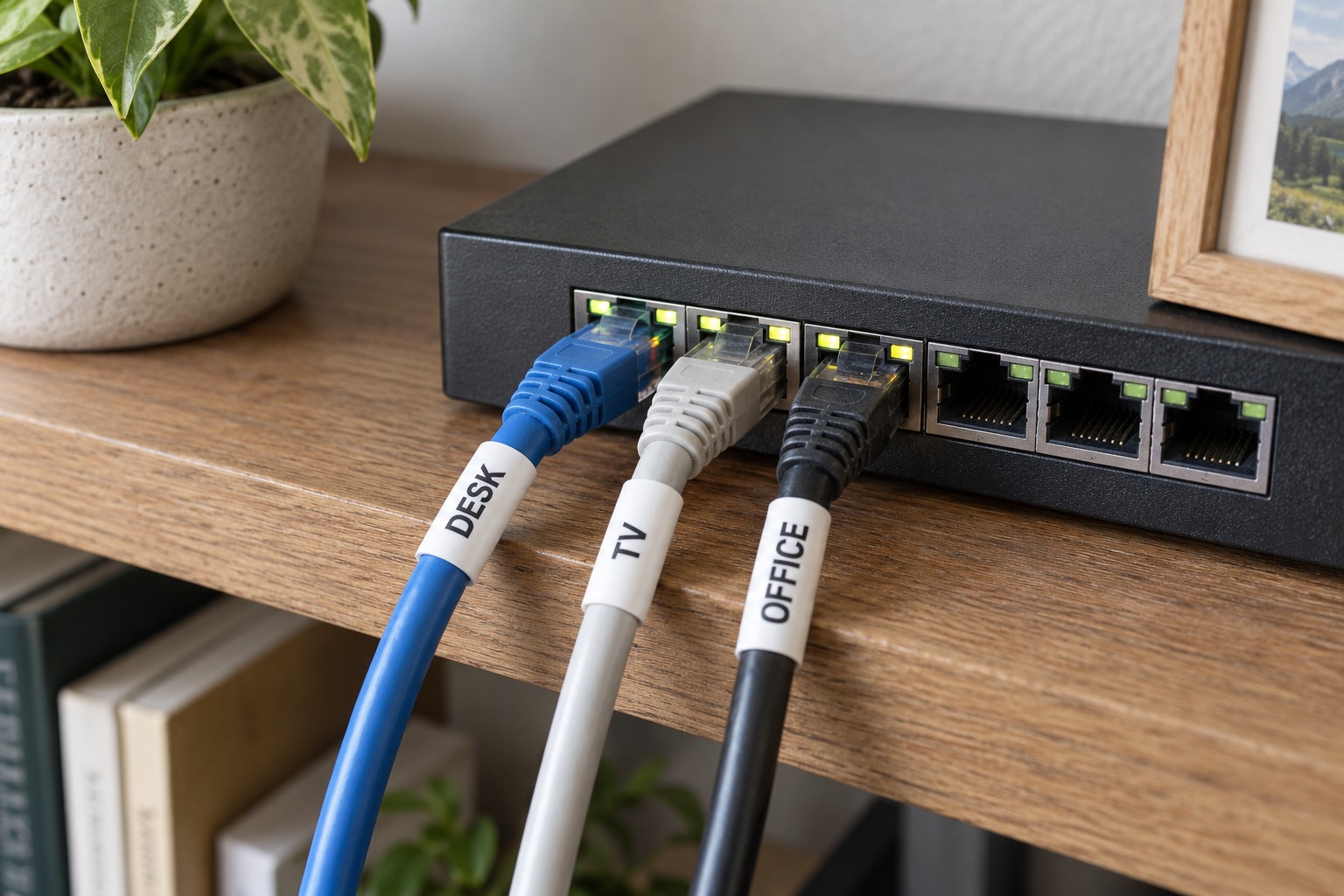
With a separate modem, router and several mesh points, identify which equipment actually needs attention. A fault confined to one additional access point does not always require restarting the entire network. Use the instructions for the installed equipment to determine order and waiting times rather than applying one sequence to every connection type.
Check the original task afterwards
Wait until the device reaches its normal operating state. Then repeat the failed activity and, if possible, compare another client. A returning Wi-Fi light is not proof of working internet access. Check telephone service or a local device too if it was part of the problem.
If the issue soon returns, record the interval and continue investigating. A scheduled restart is not an explanation for a recurring fault. A support request is more useful with the pattern, model, software version and specific symptoms.
Treat a factory reset as a separately prepared action. Have the required credentials, supported backup and setup procedure available beforehand. Provider-supplied equipment may have additional requirements. Only after understanding what will be lost and how to restore it can you judge whether a reset suits the diagnosis.