Living with smart bulbs and wall switches
A smart bulb needs electricity even when its light is off. Start by deciding how people will control it without a phone.
A smart bulb switched off in an app normally remains electrically powered. Its radio is waiting for the next command. Turning off an ordinary wall switch removes that power, so a scene or schedule can no longer reach the bulb. This is not necessarily a wireless fault. The two controls are doing different jobs.
Before buying anything, look at the existing arrangement. Which switches control the fitting? Are there several switching points in a hallway? Is a rotary dimmer installed? Will visitors or children use the room without a phone? These questions matter more than the number of colour effects on the box.
Choose between two approaches
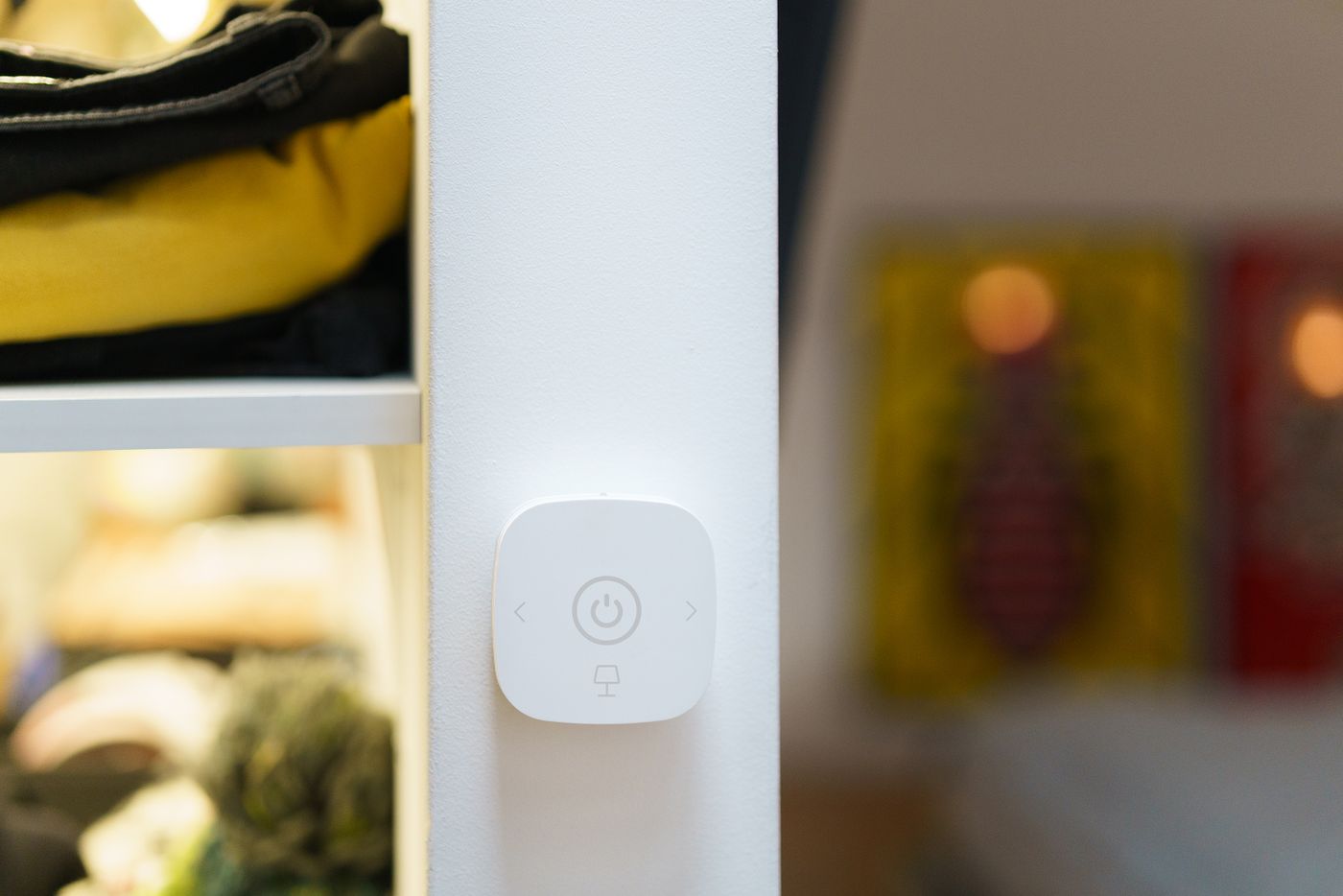
With smart bulbs, the normal supply stays on during everyday use. A compatible wireless button controls the light without cutting its electricity. Depending on the system, it can operate one lamp, a room or a saved scene. Placing it near the familiar switch makes the new arrangement easier to understand. Keep the original switch identifiable and do not permanently obstruct any access that needs to remain available.
A different approach uses a suitable wired smart switch or module to control conventional lights. This is not interchangeable with installing smart bulbs. A device designed to dim an ordinary lamp is not automatically suitable for a bulb with its own smart electronics. Philips Hue, for example, distinguishes modules that keep smart lamps reachable from wired controls intended for conventional loads. Check the exact supported combination rather than relying on the brand name.
Changes to fixed electrical wiring require a qualified electrician. Ask them to assess existing dimmers, multiple switching points, wiring and load compatibility. Turning an old dimmer to maximum does not automatically make it an appropriate supply for every smart bulb.
Try one room first
Start with a manageable room rather than replacing every bulb at once. Give lights names that other household members understand and save a straightforward white-light scene. Test switching on, dimming and switching off using the physical control alone. Then check the documented behaviour after a brief loss of power. Some products let you choose a power-on state; others return to a predetermined setting.
Internet failure deserves a separate test. Local radio controls may still work while remote access or a voice service becomes unavailable. An unplugged router, an unavailable hub and a lost internet connection are different conditions, so do not treat one successful test as proof of all three. Note which simple control remains available in each case.
Add elaborate scenes only after this basic arrangement works comfortably. Someone wanting a light in the middle of the night should not need to sign into an app or understand the whole system. A successful switch arrangement is one whose behaviour remains predictable for the people actually living with it.