Checking smart lighting when the internet is down
Loss of internet, loss of Wi-Fi and an unavailable hub are different failures. Test them separately.
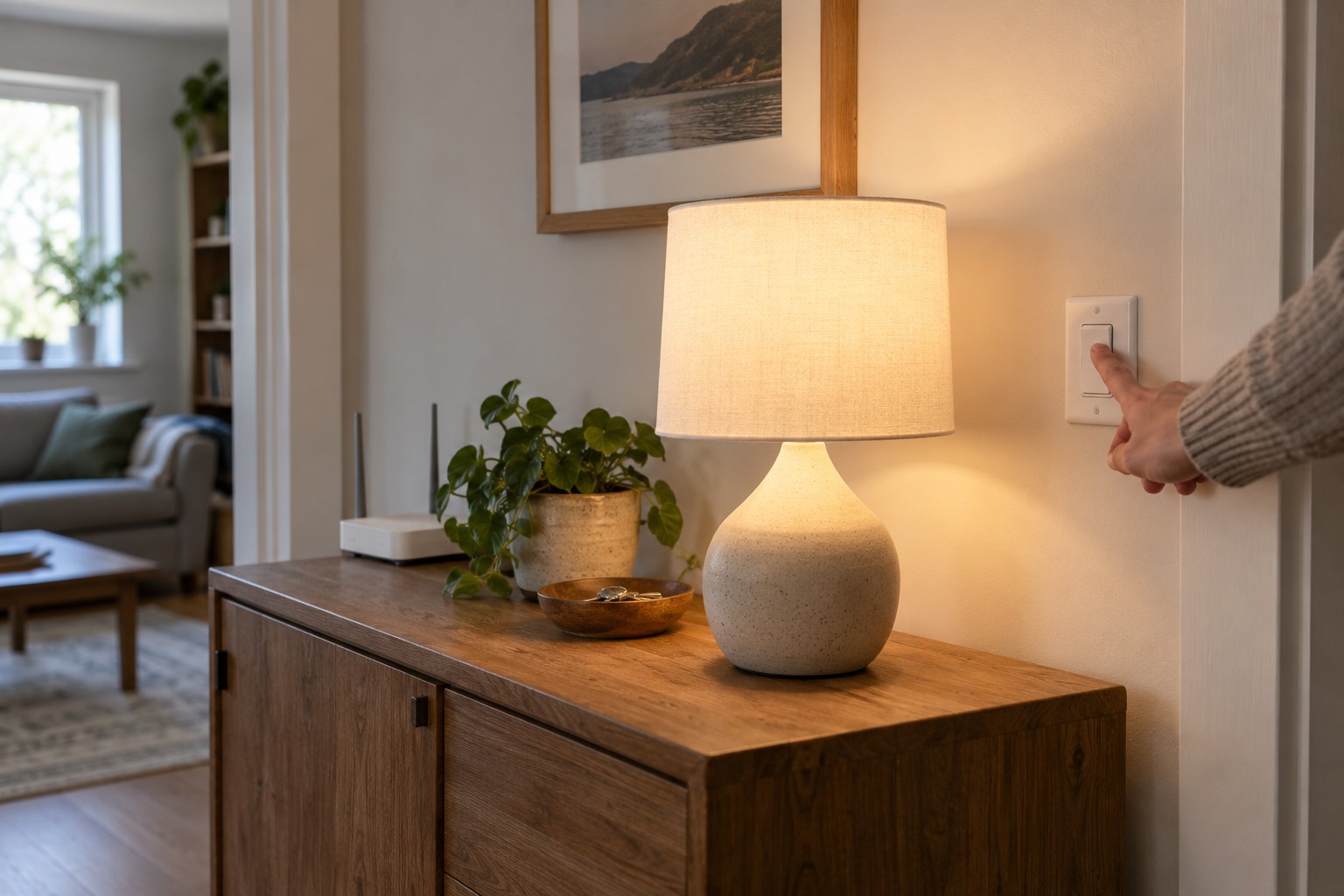
The claim works without internet is useful only when it identifies the function involved. A button may operate a lamp locally while an app requires an online account. A schedule might be stored on a hub or run by a remote service. Start with your own control methods rather than a general marketing promise.
Write down how you normally obtain light: a wall switch, wireless button, phone, voice assistant or automation. Mark the essential methods. A decorative colour effect can be optional; normal lighting on an important route should remain understandable to operate.
Understand the connection chain
Internet access and Wi-Fi are not the same thing. A router may continue providing a local wireless network when its internet connection fails. A lamp on that network may still accept local commands. Switching the router off removes the local network, or part of it, as well. That is a different test.
Some systems use a separate radio connection between lights, accessories and a hub. Philips Hue, for example, describes Zigbee between its Bridge and lights, with Bluetooth used for certain direct connections. This does not establish that every app feature or linked voice assistant works offline. The relevant question is where each command is processed.
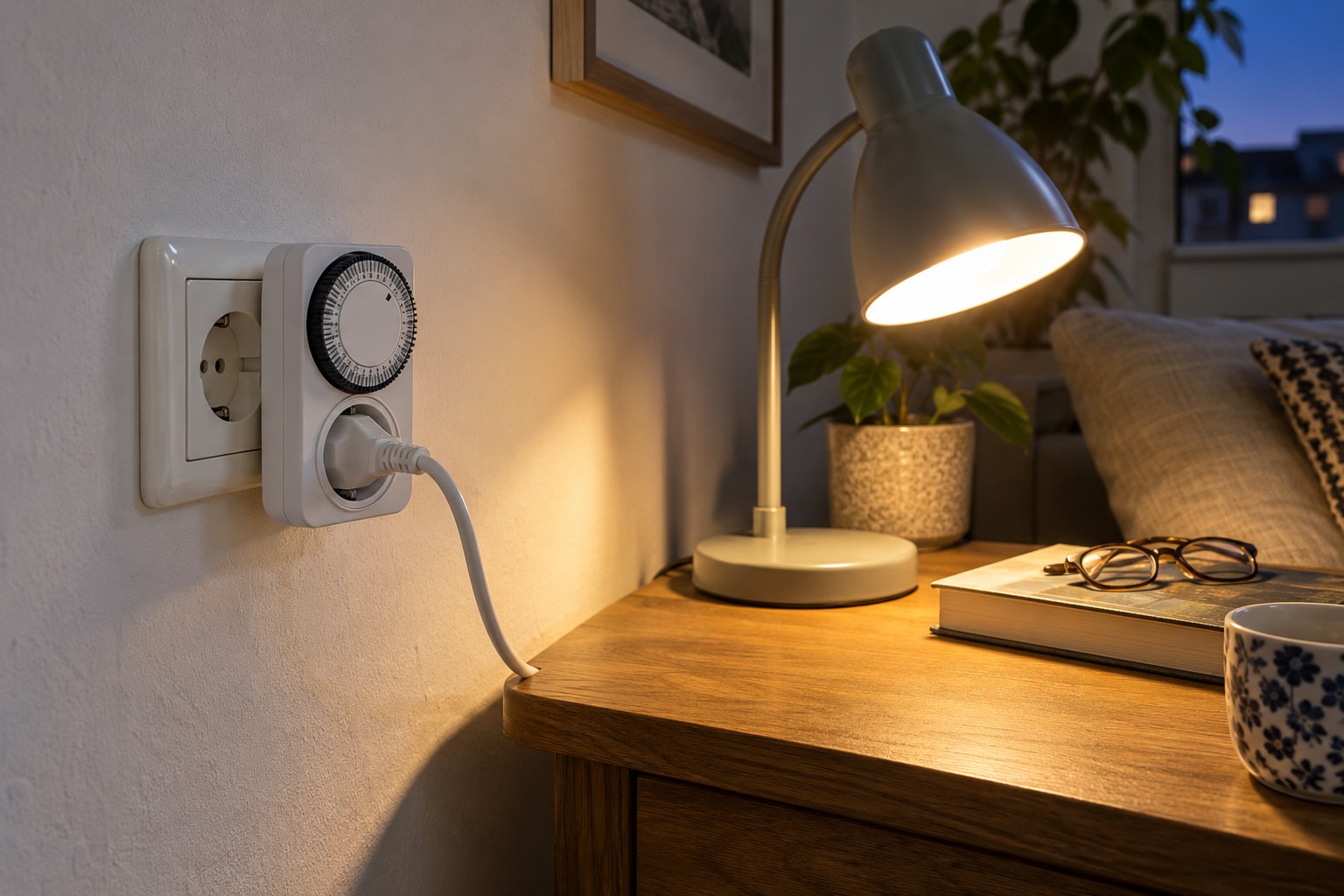
Electrical power remains necessary too. A smart bulb disconnected by an ordinary wall switch cannot receive a radio command. If only one lamp is missing, check its supply first. Resetting the entire system at that point would be unnecessary and potentially time-consuming.
Prepare a controlled test
Choose a time when nobody depends on an important network service. Tell other household members and provide an independent way to obtain normal light. Use the documented method for your router or connection to interrupt only internet access temporarily. Do not change account credentials or factory-reset equipment.
Try each control method separately. Does the wireless button respond? Can the app control the lamp? Does a saved scene activate completely? With a phone, establish whether it has silently switched to mobile data. Otherwise an apparently local success might still involve an online service.
Observe a short temporary schedule where the system allows such a test. A manually triggered command does not prove that a future automatic action is stored locally. Remove the test schedule afterwards so it cannot surprise you on another day.
Interpret the results carefully
If the button works but the app does not, the lamp is not necessarily faulty. The two control paths can have different dependencies. Read the manufacturer's explanation of local access and account requirements. If only a voice command fails, try the direct physical control instead of pairing the bulb again.
If no lights respond, inspect the hub's state and power. Was the entire router accidentally switched off, or was a shared supply disconnected? Restore the original arrangement before drawing a broad conclusion about offline capability.
A separate hub failure may also matter, but test it only using the documented procedure. Some buttons send their commands exclusively through that hub. Other connections have different requirements. Record the actual outcome for each situation instead of grouping every failure under the word offline.
After restoring the connection
Restore the original network and check normal control, time settings and schedules. Watch for delayed actions or unexpected power-on states. A lamp should not remain in a test configuration simply because internet access has returned.
The result may lead to a simple arrangement: a local button remains the everyday control, while voice operation is an optional extra. Keep that alternative understandable for other people. A documented sequence you have actually observed is more useful than assuming that an entire lighting system is either completely online or completely offline.