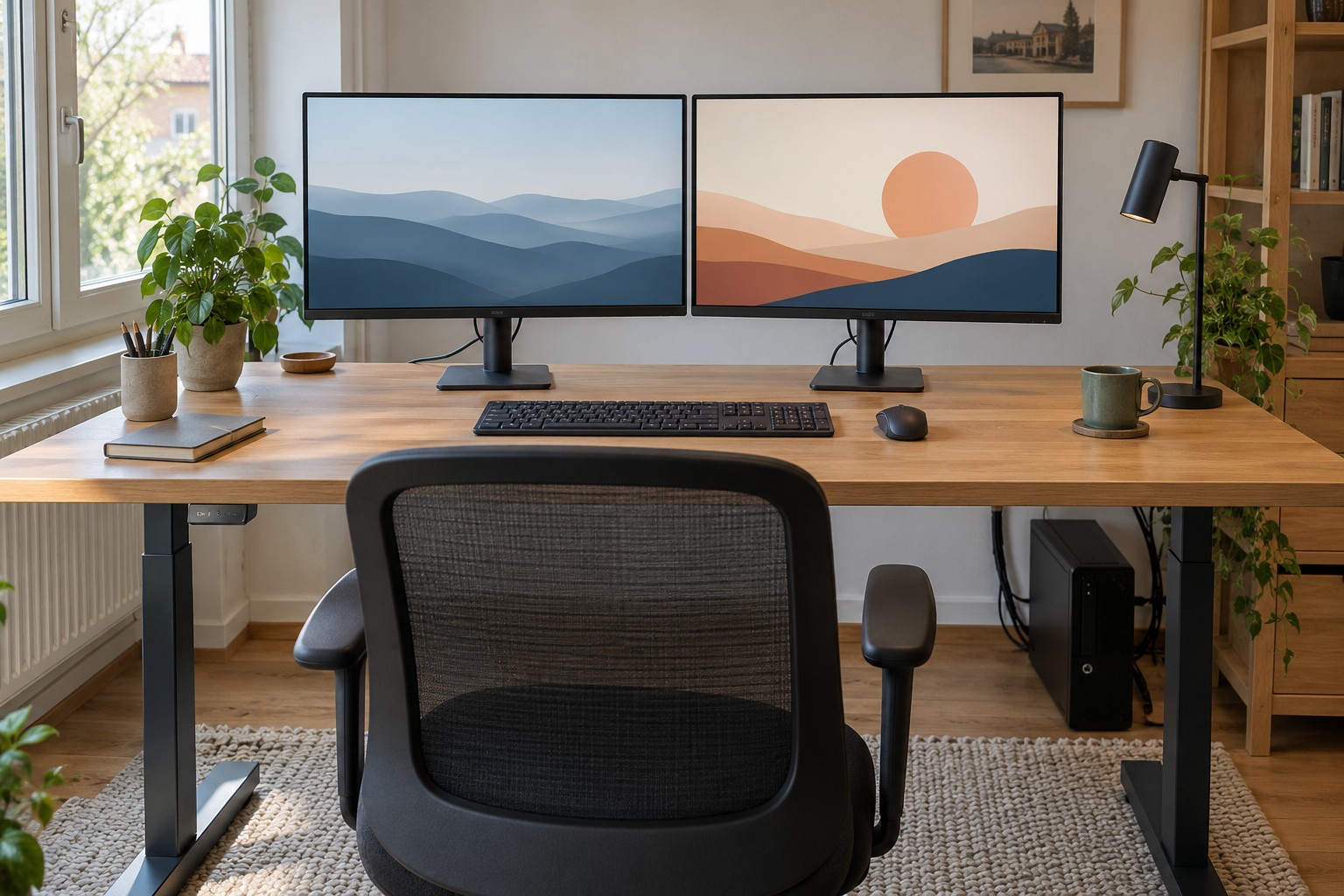
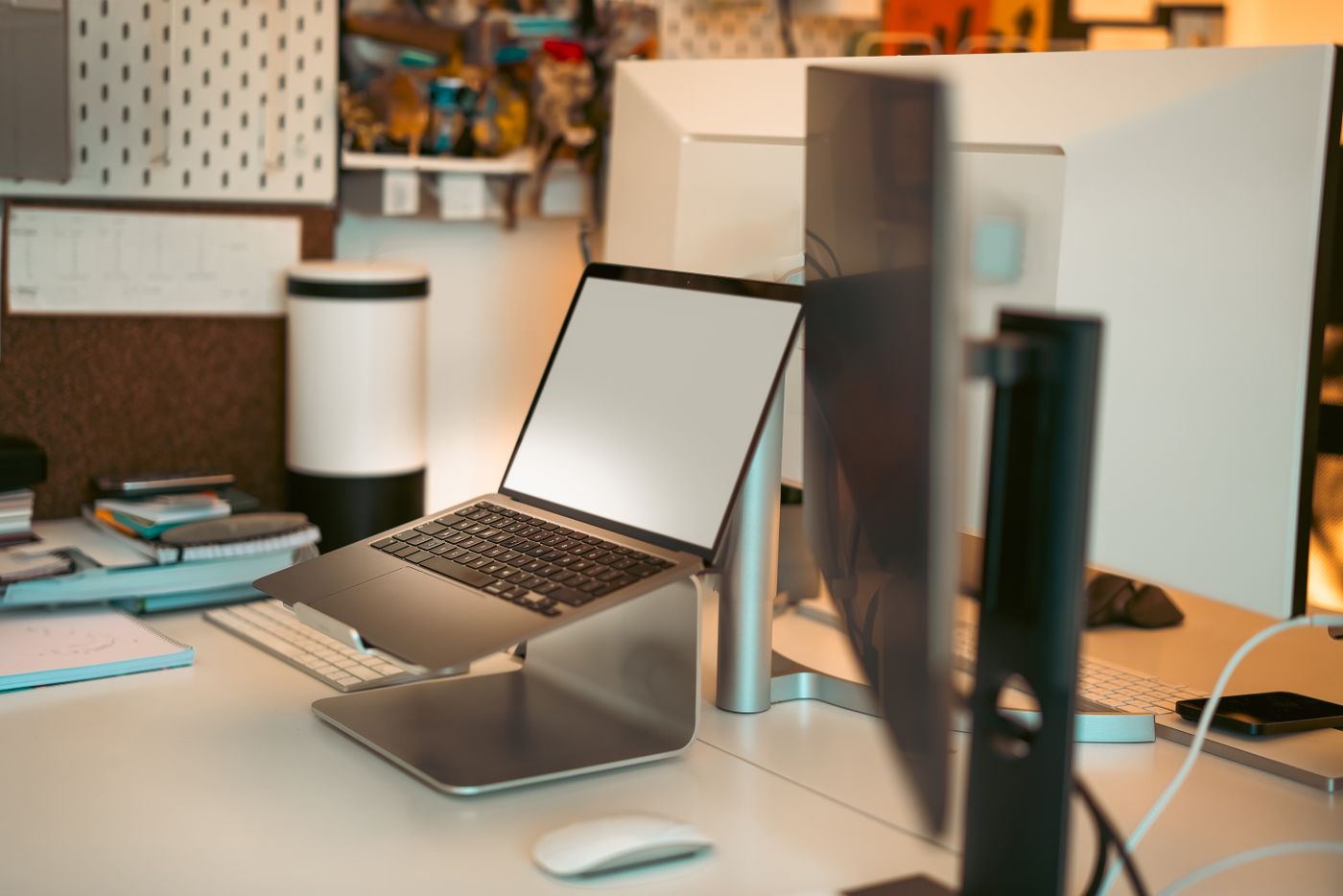
Using a tablet on a stand
Reading, typing and drawing call for different angles; test the stand with the task you actually perform.
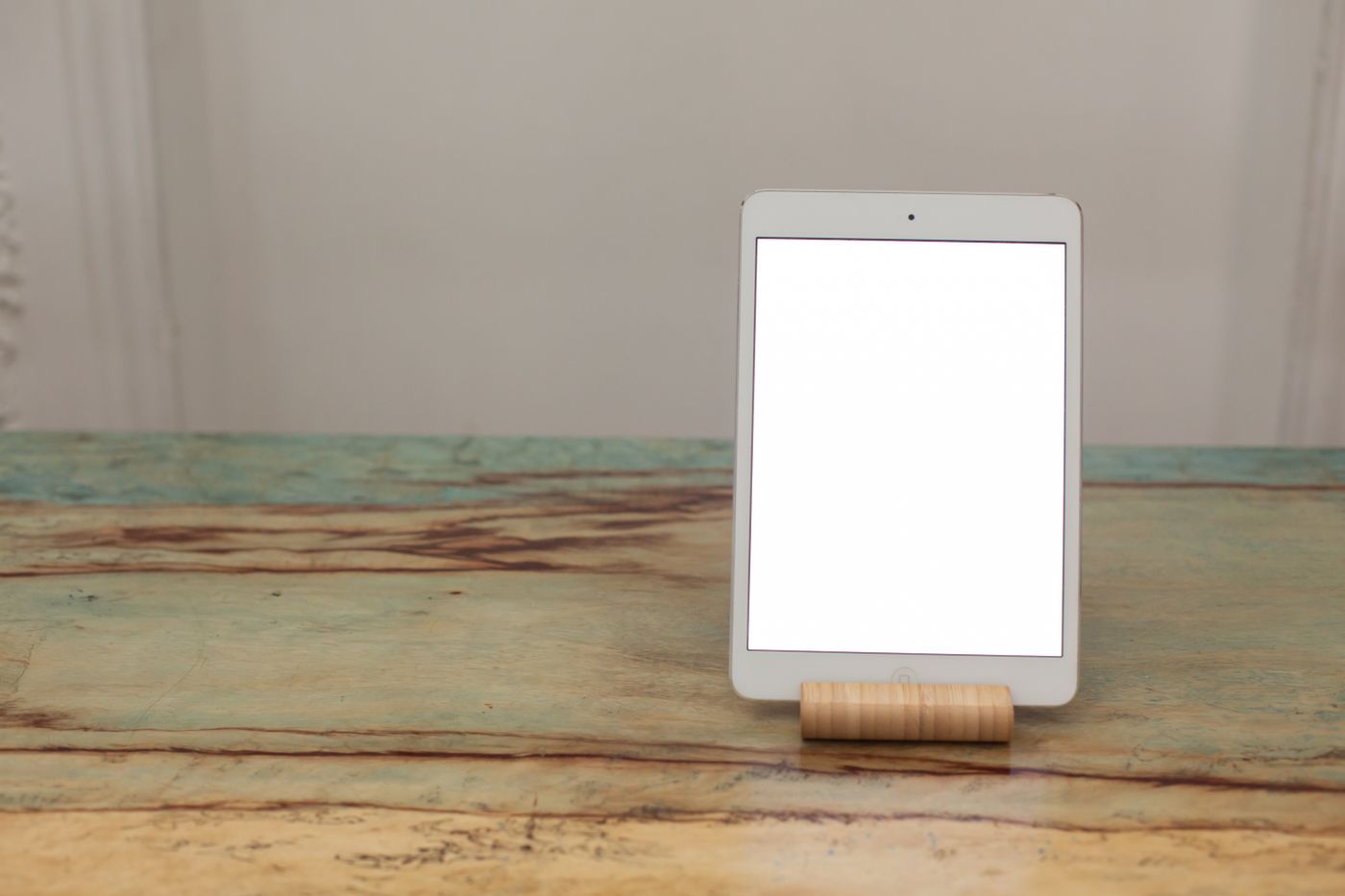
A tablet stand can display a recipe, support a video call or hold reference material beside a computer. A tall, steep position is not right for every task. Writing or drawing directly on the screen needs a different arrangement from occasionally reading it.
Consider the tablet and case together
Check weight, dimensions and the stand's supported form. A thick protective case changes how the tablet sits in a cradle. The retaining edge should not press controls or conceal necessary screen space. A clamp must act where intended rather than loading a vulnerable connector.
Test stability on the actual surface. Tap normally and change between portrait and landscape if both are used. A stand that looks stable while viewed may rock or slide when touched. Keep it away from an unprotected desk edge.
Include the charging port. The plug needs clearance and a relaxed cable route. A downward-facing connector may hit the surface in a low stand. Do not use the plug as a support or leave its cable stretched through a movement area.
Match the input method
For longer text, a compatible separate keyboard may allow a higher viewing position without repeatedly raising the arms to touch the screen. Check the tablet and app's support. Connecting an accessory does not guarantee every required shortcut or function.
Drawing and frequent touch input may suit a lower, well-supported angle. Check hand support and visibility across the screen. The stand should not fold unexpectedly during use. Keep within its intended positions and load limits.
For calls, preview the camera image in both orientations. A front camera positioned at one side may frame you differently from what you expect. Arrange the display so you can see the other person without persistent twisting, and inspect reflections.
In a kitchen or workshop, include separation from liquid, heat and dirt. Raising the tablet does not make it more resistant to those conditions. Afterwards, you should be able to remove it without pulling the cable. A useful stand supports the repeated task, not merely a tidy appearance while untouched.