Positioning a room temperature sensor
A sensor measures its immediate surroundings. Choose a location that fits the question you want its reading to answer.
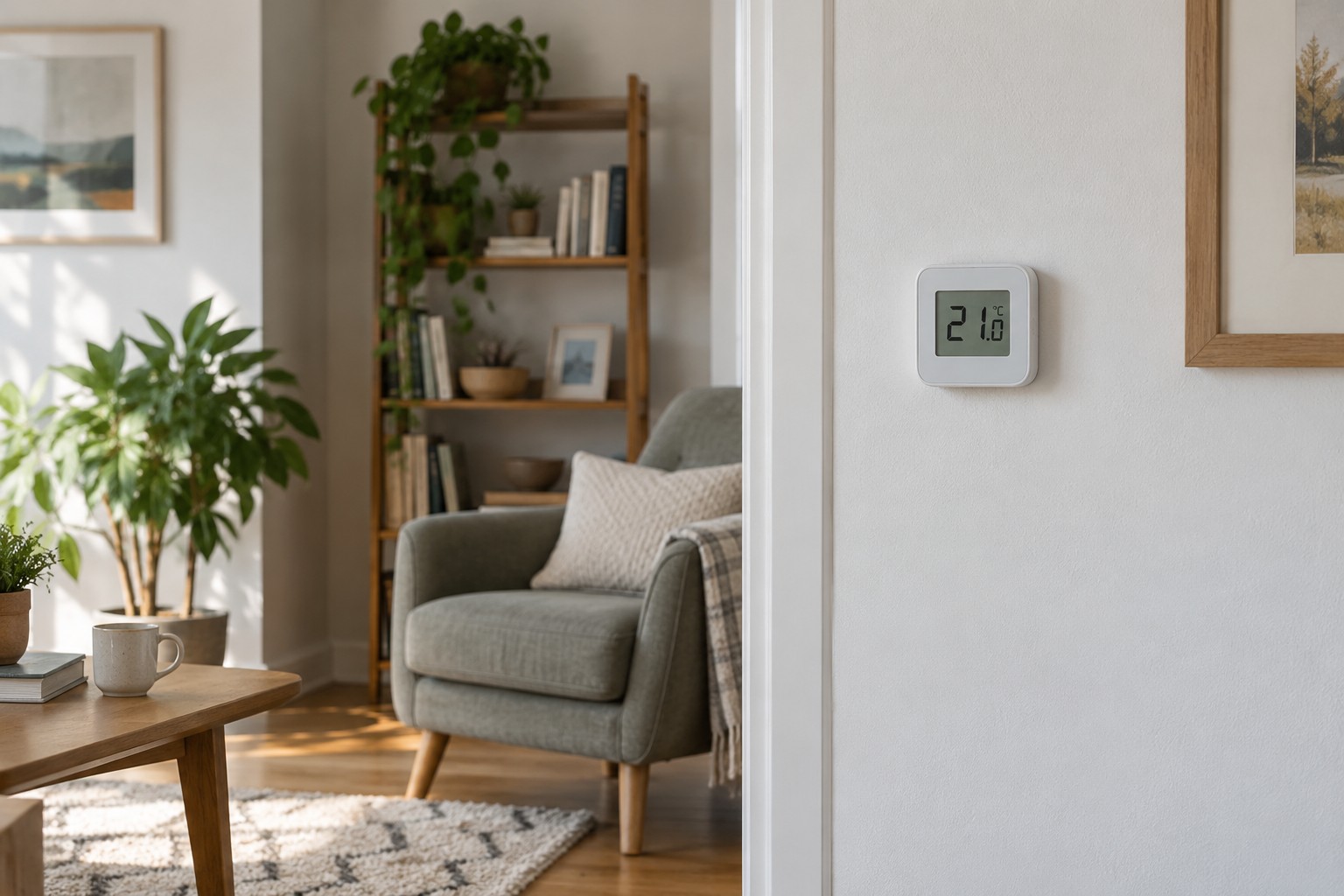
A temperature sensor on a sunny windowsill may accurately describe conditions at that spot while saying little about the chair where someone usually sits. Before correcting a reading or comparing it with another device, decide which part of the room the sensor is supposed to represent.
For observing a regularly occupied room, a representative position is more useful than a randomly available corner. Avoid direct heat sources, sunshine and obvious draughts unless the manufacturer's instructions describe a different intended application. A sensor immediately above a radiator answers a different question from one on an internal wall.
Observe the proposed position
Look at the location at different times of day. A spot shaded in the morning may receive afternoon sun. A shelf may later fill with books and alter the sensor's surroundings. A charger or another warm device immediately alongside can also complicate comparisons.
Follow the particular sensor's instructions for mounting height and separation distances. There is no single number that suits every product and task. Keep the enclosure uncovered and leave a battery-powered unit accessible for replacement. Where relevant, check its wireless connection at the chosen location too.
Allow the device to settle after a move before interpreting its readings. A sensor brought from a cold storage room does not immediately represent the new surroundings without transition. The required time depends on the device and conditions; use the manufacturer's guidance and look for a stable trend.
A difference is not automatically a fault
Two sensors in different positions can legitimately report different temperatures. For a comparison, give them similar conditions without allowing nearby devices to warm them. Check their stated tolerances. Do not change an offset simply because a second, equally unverified thermometer displays another number.
If the sensor is meant to influence heating, confirm that function explicitly. An app can display a temperature without using it for control. Record which device is actually selected as the measurement source for each room. After changing that selection, inspect both the reported value and the system's response.
Once you have found a suitable position, keep it there. Moving the sensor between a windowsill, table and shelf repeatedly changes what its history means. A short location note makes later readings more comparable than trying to reconstruct the circumstances from memory.