Positioning a webcam in daylight
Window direction and changing brightness can matter more to a video image than a background effect selected afterwards.
A dark face during a video call does not immediately justify buying another webcam. Often the person is sitting in front of a much brighter window. The camera must handle very different brightness levels at once, and automatic exposure may not produce a balanced result.
Open a local camera preview before starting a call. Assess your own image without recording other people. This lets you adjust the seating and shading without making participants wait through every experiment.
Use the window deliberately
Try arranging daylight in front of you or slightly to one side. A large window directly behind your head is often more difficult. Avoid direct sunlight in your eyes as well. Broad indirect light is easier to manage than a narrow stripe of sunshine across the face.
If the desk cannot move, adjust the shading or camera position within the existing workspace. A partly closed curtain can reduce the brightness difference. Check whether the change introduces reflections on the monitor.
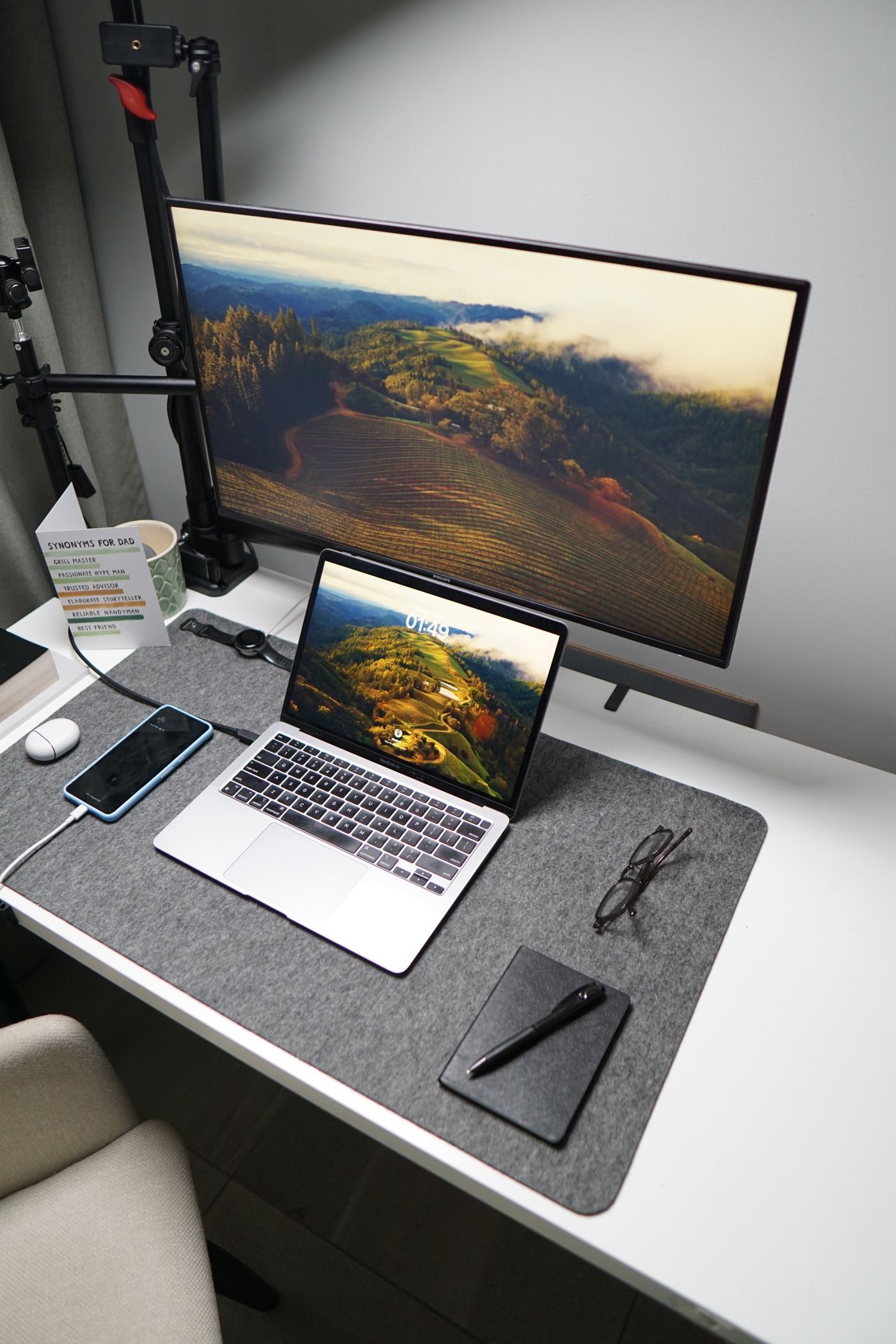
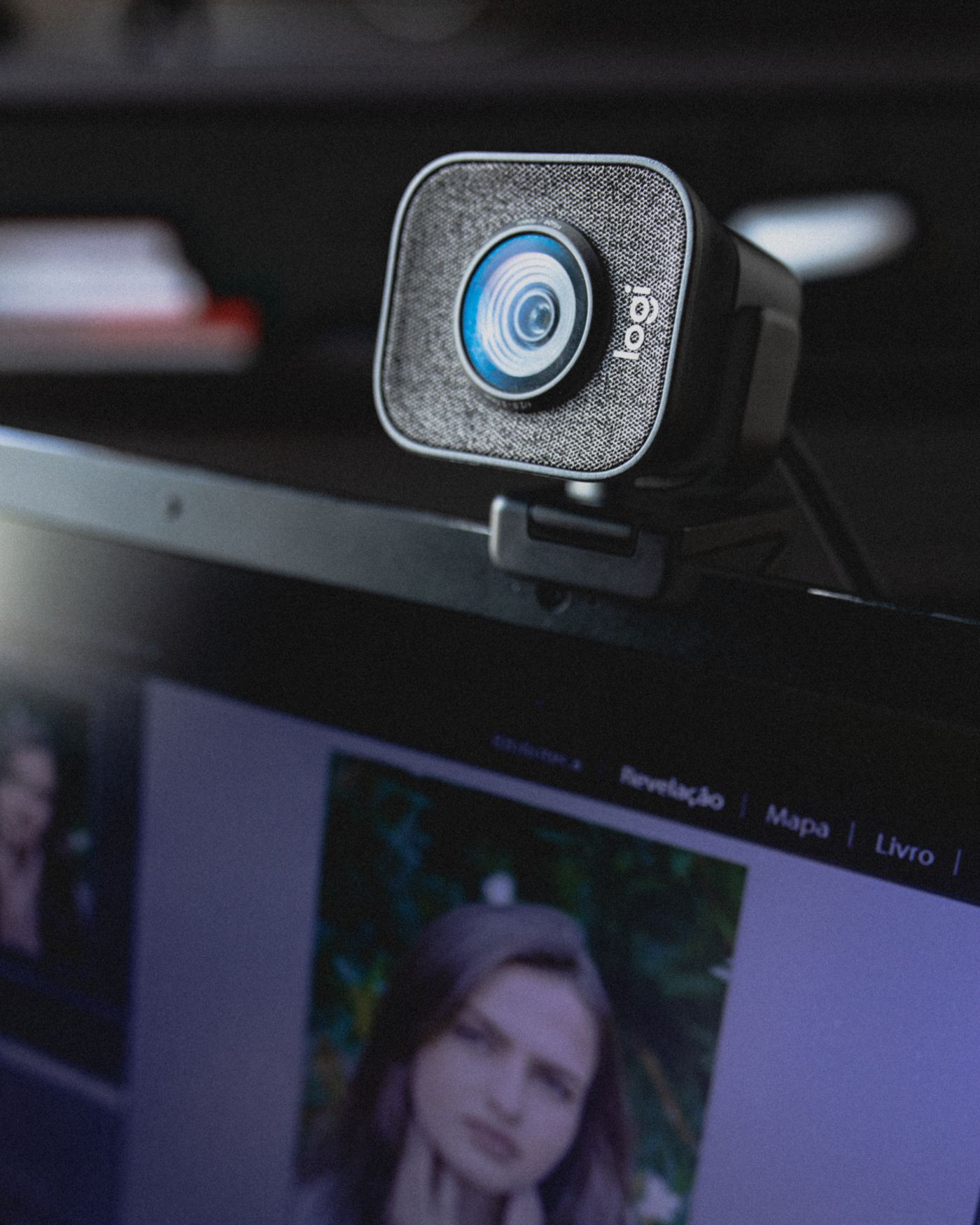
A webcam on top of the screen can usually be aimed around eye level without balancing a laptop on unsuitable objects. Ensure the mount does not damage the screen and that its cable neither pulls against the port nor hangs into the working area.
Check the actual calling view
Select the intended camera explicitly in the calling application. A laptop may also offer its built-in camera, making it easy to assess the wrong image. Check framing while sitting normally at your usual distance from the desk.
A virtual background may conceal clutter but does not correct poor exposure. Hair and moving hands can develop noticeable edges. Use the preview to decide whether a simple uncluttered real background works better.
Change manual controls one at a time and remember the starting settings. Raising brightness strongly may lighten a face while losing detail in bright areas. If the camera offers exposure lock, consider whether it remains useful when daylight changes.
Recheck at the usual meeting time
Test around the time when regular calls happen. Sun direction and cloud cover alter the scene. A fixed setting that looked suitable yesterday may require adjustment today. For recurring meetings, note a workable curtain position rather than assuming a numerical camera setting will solve every condition.
If daylight is insufficient, an existing diffuse lamp in front or to the side can supplement it. Avoid glare and strong reflections in glasses. Aim for a clearly visible face with comfortable working light, not maximum brightness. Finally, inspect the frame for confidential paperwork or personal objects that you do not intend to share.